
Help
Find answers, or reach CostTrak support.
Topics

Common questions
Getting started
What is CostTrak?
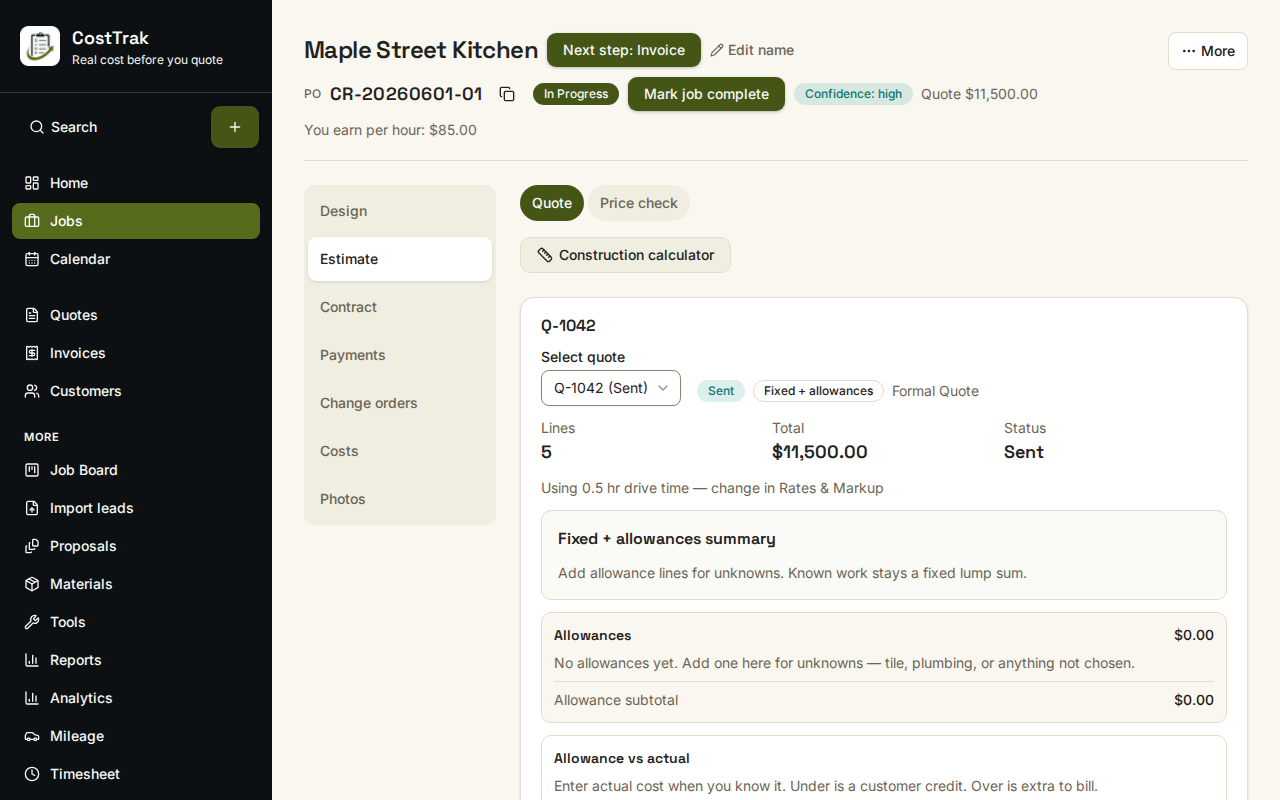
CostTrak is quoting and job-costing software for small remodeling contractors and handymen. Write the notes, add photos, tap Quick Bid, and review a priced quote. Then share a PDF, invoice, take online pay, and compare what you estimated versus what you made.
Who is it for?
Remodelers and handymen who still quote from notes, texts, or a spreadsheet.
Is CostTrak accounting software?
No. It quotes jobs and tracks what they cost. It is not bookkeeping, payroll, or tax software.
Quotes & estimates
How fast can I get a quote out?
Quick Bid prices the quote from the notes, photos, measurements, and extras you already entered. It uses your rates, or typical rates for your area if you have not set them. You check the draft, then share the PDF.
Does it read measurements from my notes?
Yes. It can pull room sizes from your notes, like a 13 by 20 bedroom.
Can I send a labor-only quote?
Yes. It prices the install and extras. Material the homeowner bought stays off the total and is not marked up.
Jobs & costs
Can I compare estimated and actual costs?
Yes. After the work starts you can log purchases and labor, then see estimate versus actual when you close the job.
Invoices & payments
Can customers pay invoices online?
Yes. Paid plans can send a pay link with the invoice. Fees are listed on Pricing.
Billing & plans
How much does CostTrak cost?
See the Pricing page for current plans and prices.
What is included on each plan?
Free includes basic quoting, PDFs, photos, calendar, mileage, and change orders, with 1 user, 5 active jobs, and 200 files. Plan measure is not included. Solo adds unlimited jobs and files, Plan measure, takeoff, document templates, and online invoice pay (card +3%, ACH $0). Crew adds time tracking and field-user seats. Pro adds a contractor permit packet. Full lists are on the Pricing page.
Is there a trial?
Yes. New accounts get a 14-day Crew trial with no card. If you do not pick a paid plan when it ends, you move to Free.
Phone apps
Is there an iPhone or Android app?
Yes. CostTrak is on the App Store for iPhone and on Google Play for Android, plus the web app.
Account & data
To delete your account, sign in at costtrak.com/account/delete.
Can I export my data?
Quotes and invoices can be exported as PDF today. Broader account data export (CSV/JSON) is planned but not yet available.
How is my business data protected?
Job data stays in your company account and is sent over a secure connection. See the Security page.
How do I provide feedback?
Use the form on the Contact page, or email support@corelogyx.com.
What happens if I stop using CostTrak?
You can delete your account at costtrak.com/account/delete. We deactivate it right away and permanently remove it after 30 days. Email support@corelogyx.com in that window if you want it back.
Still need help?
Send a message to CostTrak support, or email support@corelogyx.com.