Price the job the way you sell it
Quick Bid, labor-only quotes, extras, and a PDF you can send.
Quick Bid
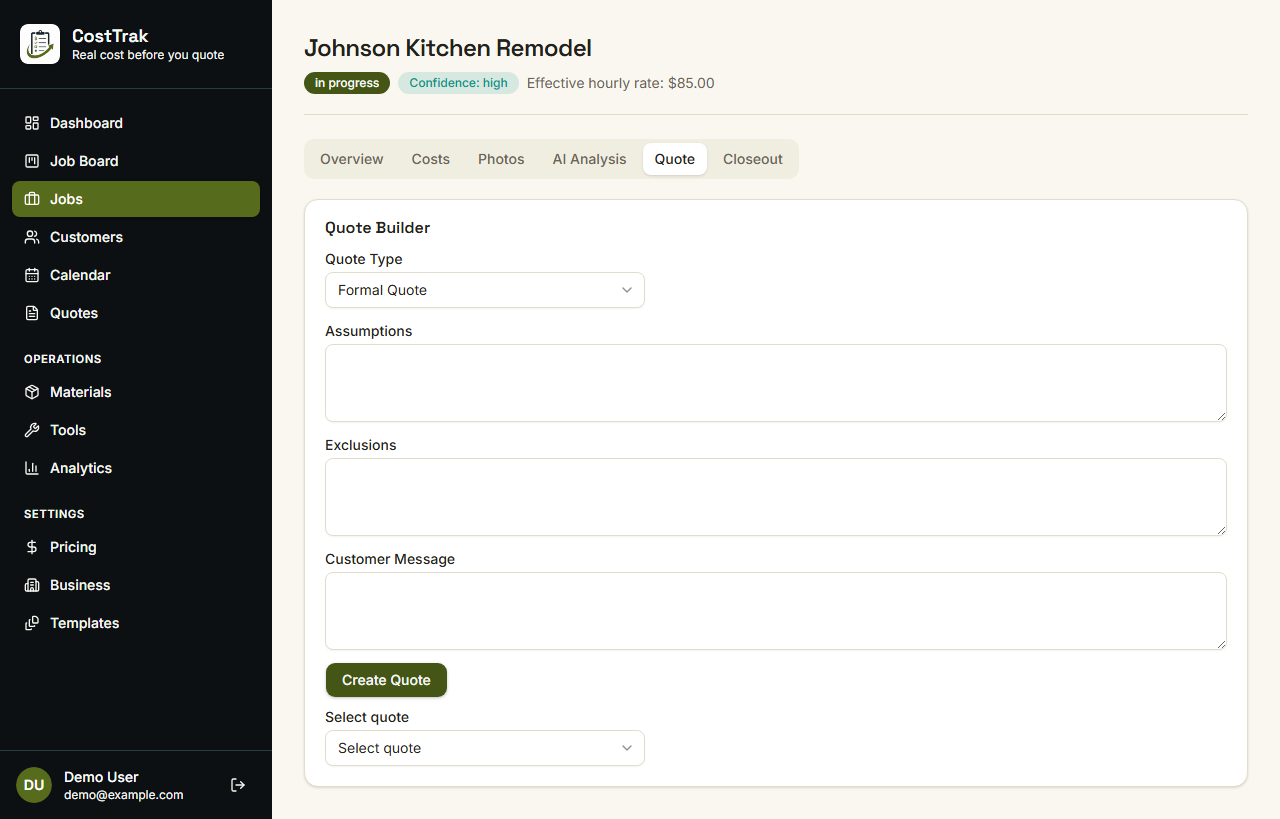
Tap once and get a priced quote from the job you just entered.
- Customer, notes, extras, and optional photos
- Uses your rates, or typical rates for your area if you haven't set them
- Check the lines, then share the PDF
Notes, photos, and measurements
It pulls room sizes out of your notes and uses your photos when you attach them.
- Reads the rooms out of the notes you already typed
- Uses jobsite photos when you attach them
- Falls back to basic rules if suggested pricing is unavailable
Find measurements in notes
Room sizes in your notes become square footage you can edit.
- Picks up sizes like a 13 by 20 bedroom
- If you also wrote a total square footage, it uses that to check the math, not as another room
- You choose what to keep. Nothing is saved silently
Labor-only and extras
Charge for the work the way you actually sell the job.
- Labor-only quotes leave homeowner-bought material off the total
- Check extras at job entry: carpet tear-out, baseboard remove/reinstall, and the rest
- Checked extras become labor lines on the quote
Plan, PDF, and send
Take-off, tools, and steps stay on your side unless you put them on the PDF.
- Editable take-off, tools list, and step-by-step plan
- PDF preview and an editable share message
- A checklist of what is still missing before you send
Invoices and job costs
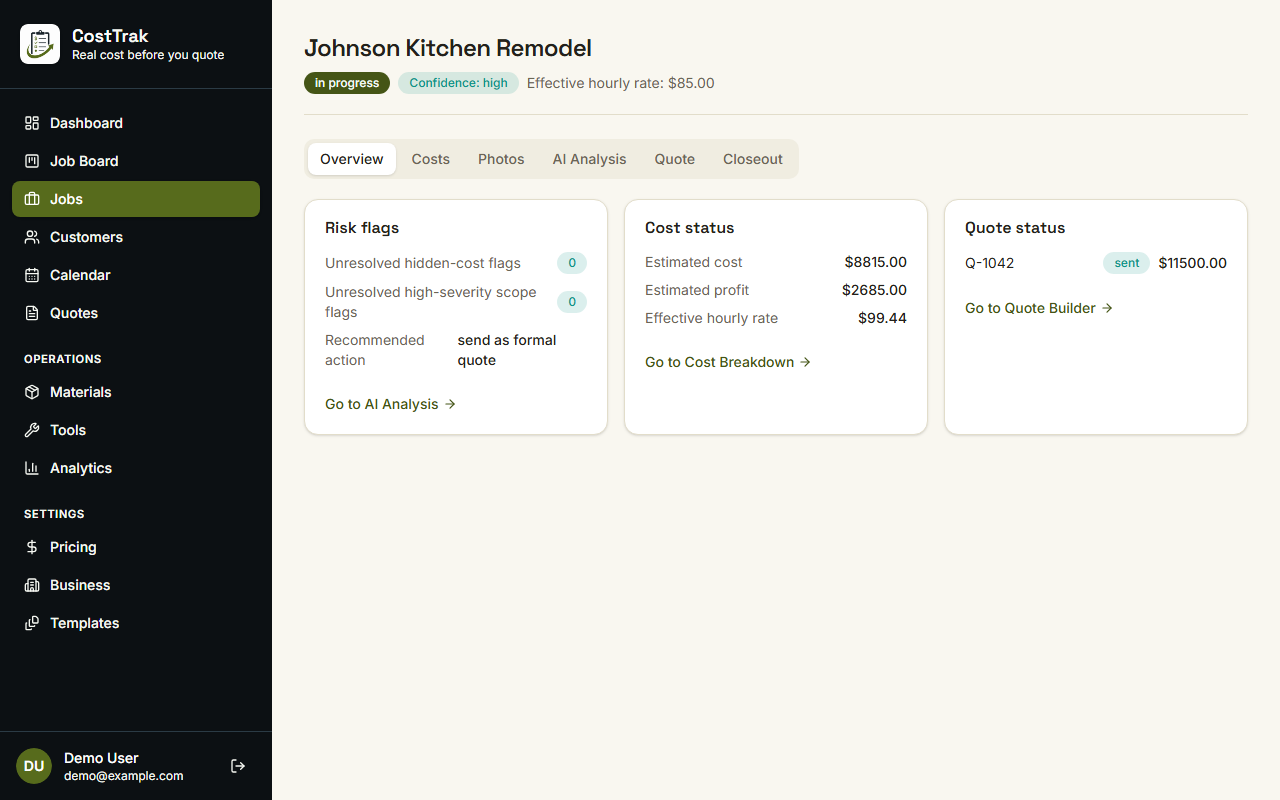
Keep the quote, the invoice, and the actuals on the same job.
- Create, issue, and share invoice PDFs
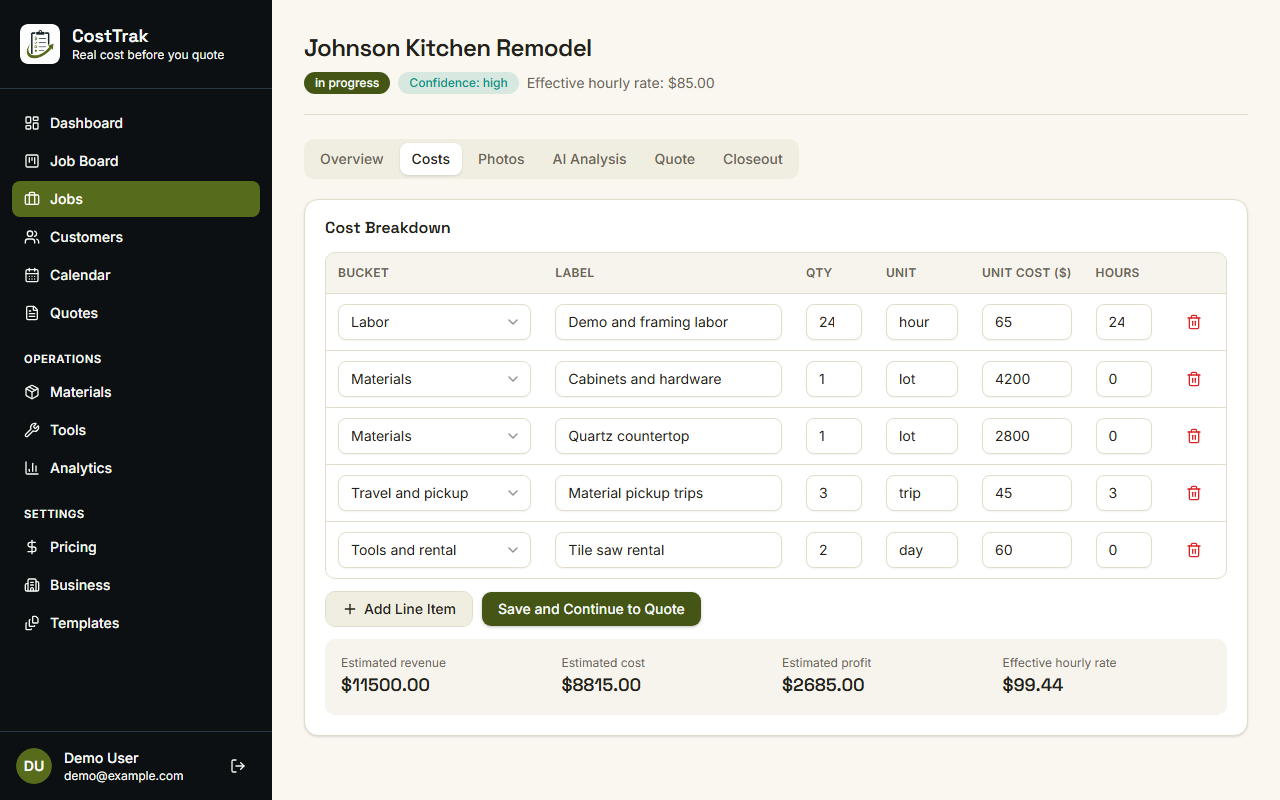
- Log purchases and labor against the estimate
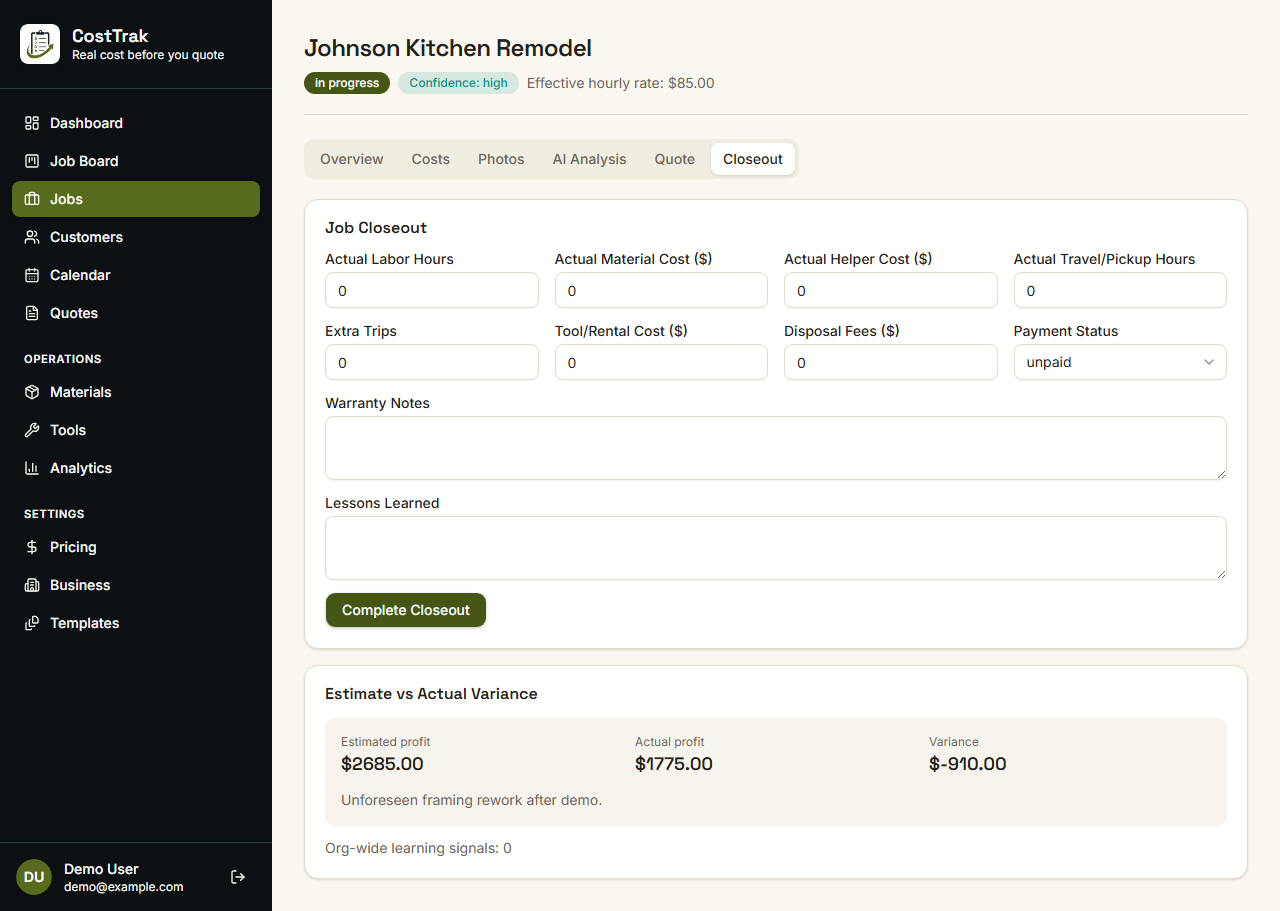
- See estimate versus actual when you close the job
Web, iPhone, and Android
Same quoting path in the field or at a desk.
- Full web app
- iPhone and Android apps, in beta
- Works in a phone browser too
Analytics
See how jobs are landing, not just the one on the board.
- Estimated versus actual profit over time
- What you made per hour across jobs
- Costs you miss most often
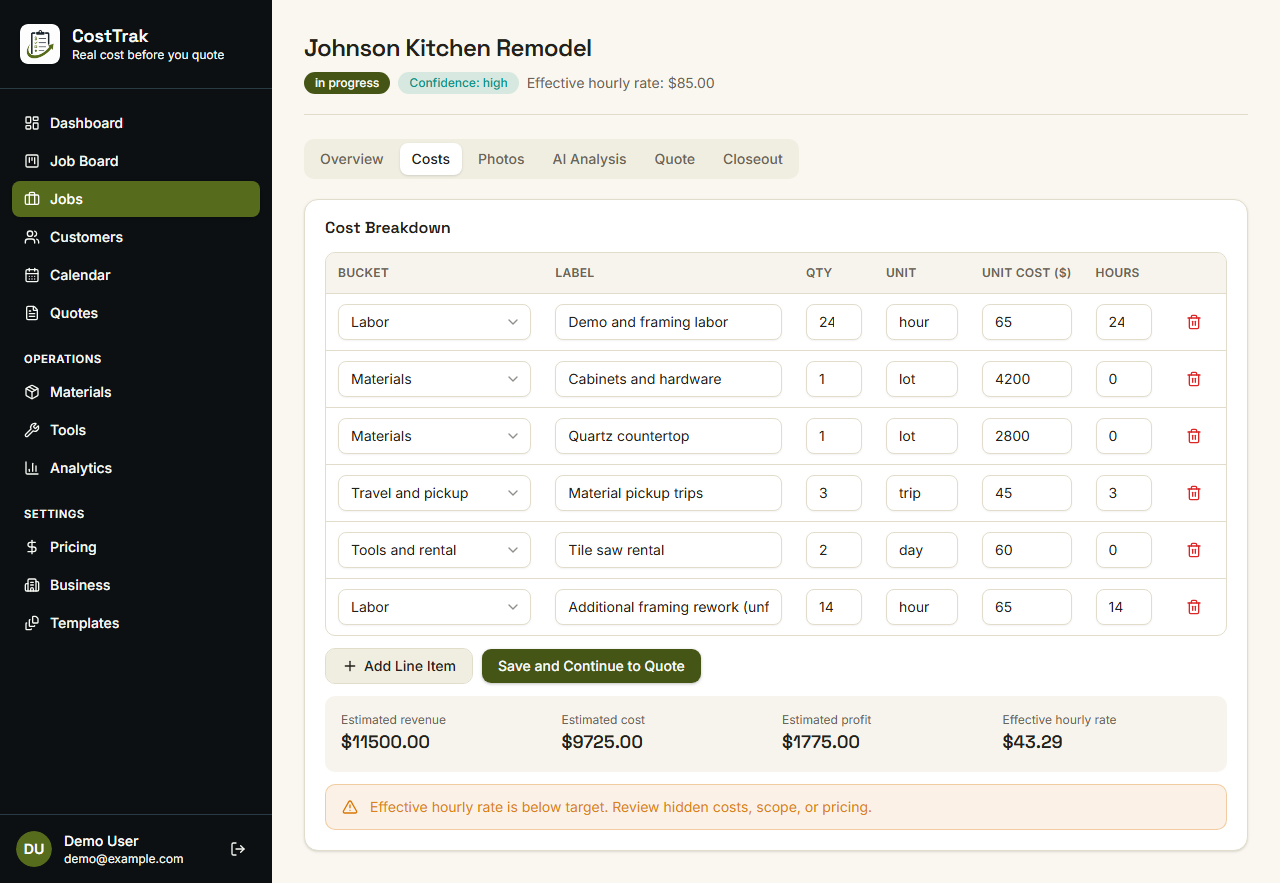
See it on a real job
Real screens, sample job data.